
Meeting Agenda Maker
Choose a professional agenda template, customize every detail and download a polished Word or PDF document.
Ready-made formats
Choose a meeting agenda template
Start with a professional structure, then customize every topic, presenter and time allocation.
How it works
Step 1
Pick a template
Choose a board, management, team, project or client agenda.
Step 2
Fill in details
Add the meeting purpose, attendees, topics, presenters and timings.
Step 3
Download or send
Export the finished agenda or email it directly to participants.
How to create a meeting agenda
A good agenda tells every participant why the meeting exists, what will be covered, in what order, and what they need to prepare. Follow these six steps — or start from one of the templates above and edit the details.
- State the purpose. Write one sentence describing what the meeting must produce: a decision, an approval, a plan or a status update. If an item does not serve that outcome, handle it by email instead.
- Add the logistics. Enter the company, meeting title, date, start time, duration, venue or video link, chairperson and invited participants.
- List items in priority order. Put decisions and approvals first while attention is highest, then reports, then open discussion. Phrase each item as what will be decided or reviewed.
- Give every item an owner and time. Each line gets a presenter and a time allocation, so people know what to prepare and the meeting ends on schedule.
- Attach pre-reading. Note the papers attendees should read beforehand and the outcome expected for each item.
- Circulate 24–48 hours ahead. Download the agenda as PDF or Word and send it with the invitation, or email it straight from DocMak.
Meeting agenda format and example
Most professional agendas share the same format: a header with the meeting title, date, time, venue and chairperson; a list of attendees and apologies; numbered agenda items, each with a presenter and time allocation; and a closing item for actions and the next meeting date. Here is a simple example for a one-hour management meeting:
| Time | Item | Presenter | Duration |
|---|---|---|---|
| 10:00 | Welcome, attendance and confirmation of quorum | Chair | 5 min |
| 10:05 | Approval of previous minutes | Secretary | 5 min |
| 10:10 | Q3 financial results and budget variance | Finance Manager | 20 min |
| 10:30 | Decision: approve new supplier contract | Operations Director | 15 min |
| 10:45 | Any other business | All | 10 min |
| 10:55 | Actions, owners and next meeting date | Chair | 5 min |
Agenda templates for common meetings
Board meeting agenda
Formal structure for directors: call to order, quorum, declarations of interest, approval of previous minutes, financial and management reports, resolutions for approval, and any other business. Notice periods and quorum rules depend on your articles of association and jurisdiction.
Team meeting agenda
A short, recurring format: wins since last meeting, priorities for the week, blockers, and one or two discussion topics. Keep it under 30–45 minutes with timed items.
Weekly project meeting agenda
Built around delivery: milestone status, schedule and budget against plan, risks and issues, decisions needed from the sponsor, and the action log carried from last week.
Annual General Meeting (AGM) agenda
For shareholders once a year: notice and quorum, approval of the audited financial statements, the directors' and auditor's reports, appointment or re-appointment of the auditor, election of directors, and approval of any dividend. Check your articles of association and local company law for required items and notice periods.
Sprint planning agenda
For agile teams at the start of each sprint: review the sprint goal, check team capacity, walk through the prioritised backlog, agree what is committed, and confirm owners. Pair it with a sprint review agenda at the end of the sprint.
Meeting agenda vs meeting minutes
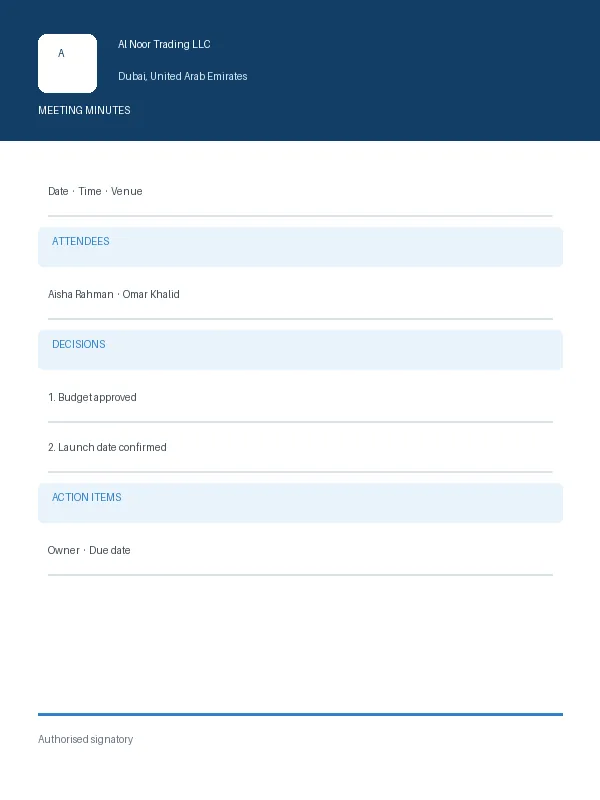
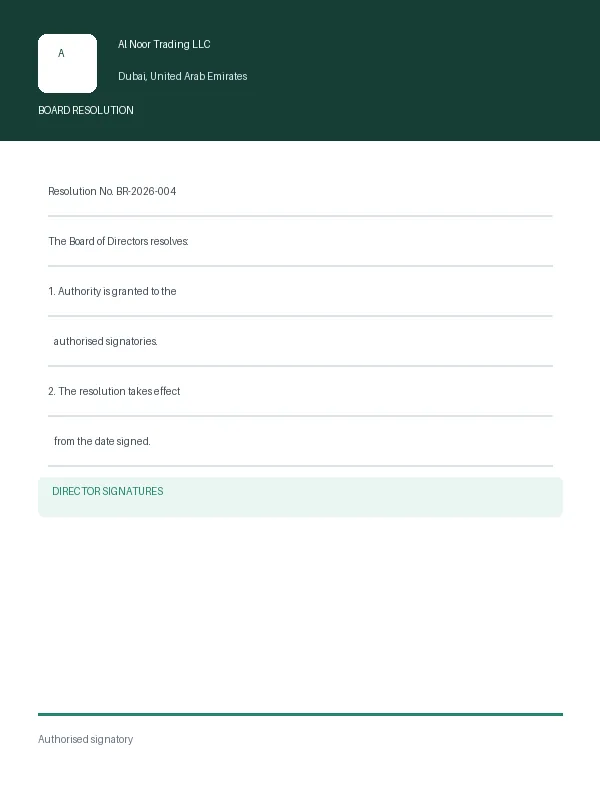
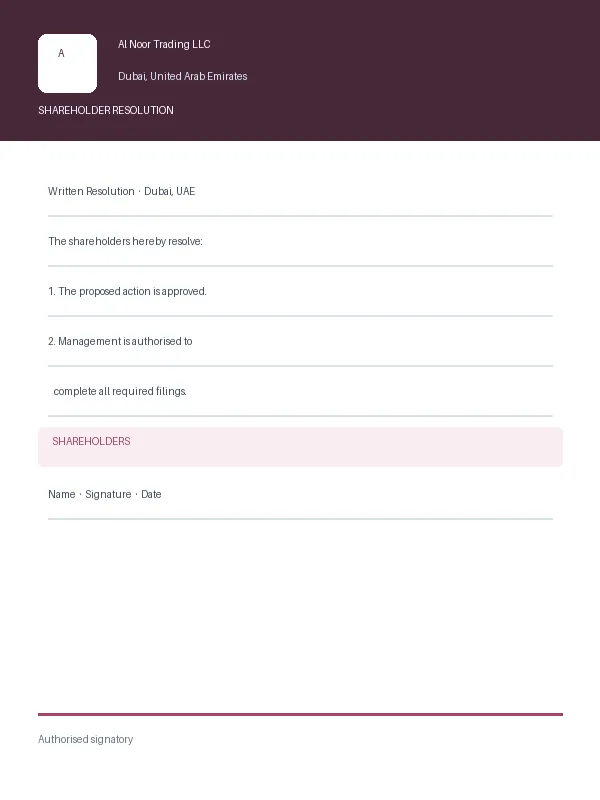
The agenda is written before the meeting and sets out what will be discussed. The minutes are written after it and record what actually happened: who attended, what was discussed, the decisions taken and the actions agreed, with owners and deadlines. A well-structured agenda makes the minutes easy, because each agenda item becomes a heading in the minutes. When the meeting is over, use the meeting minutes maker to record the outcome, and the board resolution generator for any formal board decisions.
Continue your workflow
You may also need
Quick answers
Meeting agenda FAQs
Meeting Agenda guide, templates and country rules
Everything that pairs with the meeting agenda generator — the step-by-step guide, the templates businesses use alongside it, and the GCC rules covering local meeting agenda requirements.
Matching guide
Learn how to write a meeting agenda
Related templates
Templates used with a meeting agenda
Country rules